How I used AI to enhance my media consumption
Exquisite men have exquisite tastes
Over the course of last week, I did some upgrades to my media consumption setup. I will document it here.
Day time Audio
I use a mix of podcasts and music to keep me motivated and focused. Also, I use logic to do some recording/mixes from time to time.
Previously I had a Focusrite 2i2 gen 3 -> Edifier S1000W setup. It was good, but had its limitations. Last year, I let the Focusrite go and switched to MOTU Ultralite mk5 when they were cheap on Soundhouse. Ultralite is a beast of an interface, and Edifiers were becoming a bottleneck. After some consultation with Gemini, I opted for a pair of Yamaha HS7s.
After some setup with AIMP to utilize direct play through the mk5, the difference is night and day. The S1000ws are fine if you don’t have a nice interface, and they are convenient (they support AirPlay). But they are nowhere near the DACs on the Ultralite, naturally.
Night time Audio
At night, when the family is asleep, usually I watch movies or play games. Previously I used a Audio Technica ATH-M50xBT2. Which is, fine, it is a sturdy, stable, no-fuss headphone. However, it lacks in the audio quality department. After consulting Gemini, I decided to give Windows Dolby Atmos a go, since I already purchased it. Now, my room is cramped, so I don’t really have space to do a real 5.1 setup, so I went for the faux surround. Which turned out to be better than I anticipated.
I went for an Audeze Maxwell which seems to have surround sound support. And it has planar drivers, which is also nice. I found one for cheap on Mercari, where I already had some balance standing. Usually, I don’t buy headphones second hand, because you know, there could be issues with hygiene, but the specific unit I bought seemed very lightly used and in pristine condition. And I was very pleasantly surprised. The faux surround works pretty well for Windows. I had to change my setup a little bit; previously I connected the headphones directly to the TV to share between sources, but to utilize Windows surround sound I connected them directly to the PC. After some EQ profile setup, it has great sound stage for music as well.
low-res Video
About watching media, I have two scenarios: some low-res stuff which I cannot acquire high-res versions of, and high-res stuff (1080p and above). For anything below 1080p, I use mpc-be with hardware upscaling enabled. NVIDIA drivers usually do a good job of upscaling the video. It puts a little strain on the 4070, but nothing too serious. I didn’t bother with a surround setup for this, because none of the sources in this setup actually contain surround sound.
high-res Video (Cinema)
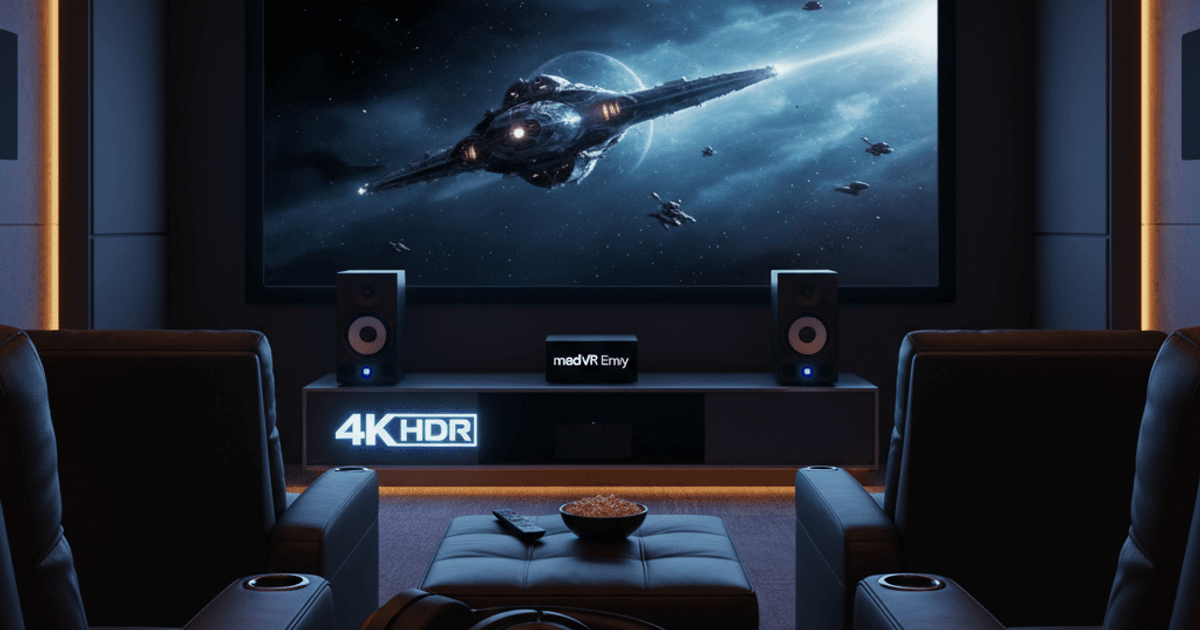
And then there is the high-res stuff. For this I usually go for 2160p remux stuff. The player is mpc-hc with madVR and K-Lite Codec Pack. K-Lite does a good job of handling the codecs. I just had to configure it to use Windows surround sound. The cinematic experience is very satisfactory. I just need more media to consume in this format.
Audiobooks
And finally the audiobook situation. I have some stuff on Audible, but Whispersync does not work on every title, and I like Whispersync. When it works, it is great. Again, with Gemini’s recommendation, I decided to give Audiobookshelf a go. It is a comprehensive library organization tool which also supports EPUBs. You can have both the audiobook and EPUB in the same place, and have it read to you. It doesn’t have sync, so you have to turn the pages manually, but it is an acceptable loss. It also has a good Android app, and an iOS app seems to be coming along as well.
It took some time to set up, mostly to organize my audiobook library and do some cleaning. Got my stuff from Audible via Libation and set them up as well. Not really done configuring this stuff, still need some work. But it is promising. One thing I didn’t like is the Android app’s E Ink support. They have to put in something like an E Ink mode there.