I created a health advisor Gem for gemini
How I integrated 10 years of medical checkups and wearable data into a personalized AI health consultant using Gemini and NotebookLM.
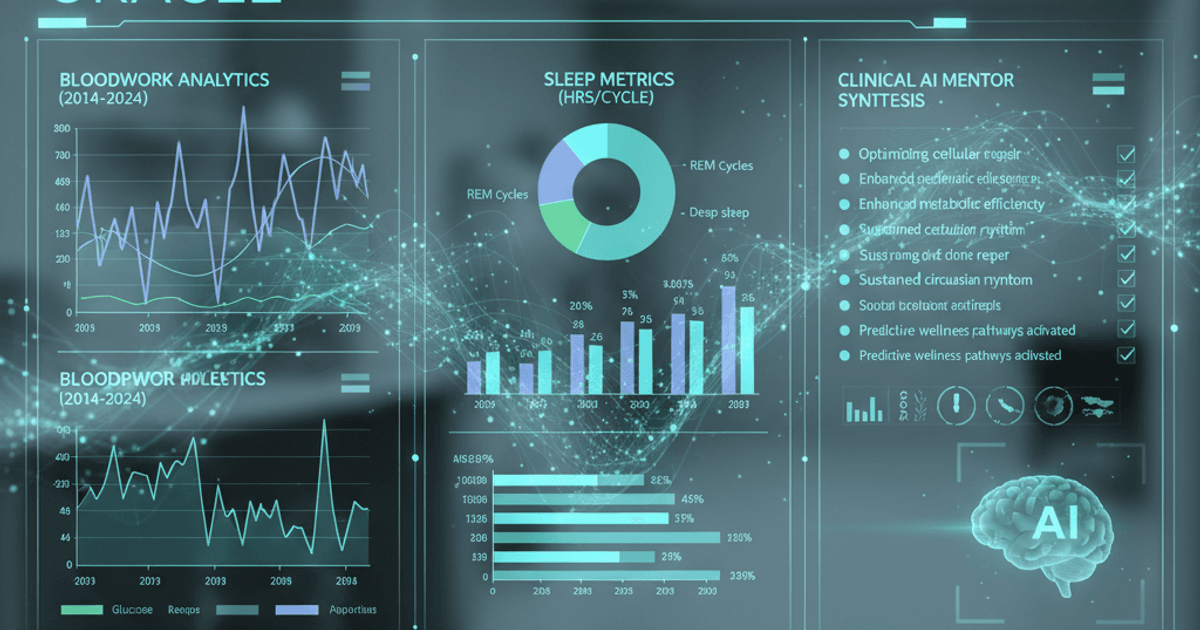
Fragmented health data is a common frustration. Between medical checkup PDFs from healthcare providers, sleep data from wearables, and weight trends from smart scales, it is nearly impossible to see the “big picture” of your long-term health.
I decided to solve this by building a custom Gemini Gem that acts as a professional health consultant, powered by a decade’s worth of my own biometric history.
The Technical Architecture
The system relies on two primary components within the Google ecosystem:
- NotebookLM: Used as the centralized “knowledge base” to ingest and structure years of unstructured data.
- Gemini Gems: Used to create a specialized interface with a clinical, professional persona that can query the data in the Notebook.
Data Consolidation
The first challenge was gathering data from three disparate sources:
- Clinical Records: 10 years of annual health checkup results (blood work, organ function, vitals) exported as PDFs.
- Activity & Sleep: Longitudinal data exported from wearable apps (Xiaomi/Zepp) as CSV files.
- Physical Metrics: Weight and body composition data exported from a smart scale app (Eufy) as CSV files.
All these files were centralized in a dedicated Google Drive folder, which NotebookLM then parsed to create a comprehensive longitudinal health profile.
Creating the “Oracle”
With the data indexed, I created a custom Gem to act as the interface. The “Instructions” for this Gem were tuned to move beyond generic AI advice.
The Strategy
- Trend Analysis: Instead of looking at a single data point, the Gem compares current results against a 10-year average.
- Cross-Source Correlation: The Gem can analyze if poor sleep scores (from the wearable) correlate with spikes in blood pressure or weight gain.
- Actionable Optimization: The prompt was designed to be positively constructive, offering evidence-based lifestyle adjustments based on specific clinical markers.
How to Build Your Own
- Export your data: Look for “Data Export” or “Privacy” settings in your health apps to get CSVs/PDFs.
- Setup NotebookLM: Create a new notebook and link it to your Google Drive folder containing the exports.
- Configure the Gem: Create a new Gem in Gemini, attach the Notebook as the source, and provide instructions on the “persona” and “analysis goals” you want it to follow.
The Verdict
The result is a highly personalized health partner. It doesn’t just tell me my weight; it analyzes my metabolic trends over the last decade and suggests professional-grade optimizations. It’s a powerful example of how LLMs can transform “dead data” into a living, useful health strategy.