Building a LLM-Powered Story Creation Studio
We turned a children-focused story pipeline into a generic studio for creating bibles, characters, seeds, translations, and batch-generated image/audio assets with controllable tone from grimdark adult fantasy to general audience lore adventures.
A few weeks ago this project was still shaped like a children’s story machine. It could generate stories, images, and narration, but the assumptions were baked in everywhere: tone, UI defaults, prompts, and even seasonal flavor.
I wanted something else.
I wanted a generic story creation engine.
Not “just generate me a bedtime story,” but:
- build and edit story bibles,
- create main/supporting cast with reusable references,
- generate seeds from selected series,
- run image/audio generation in async batch mode,
- regenerate individual pages/prompts when needed,
- translate stories into other languages,
- preview outputs in the same studio,
- and tune tone from kids to adult grimdark.
That is what this became.
Why We Rebuilt It
The old flow was productive, but too opinionated.
The biggest constraint was tone. Even with better models, if your pipeline defaults are “storybook-safe,” you keep getting polite prose, soft landings, and cozy motifs in places they do not belong.
That mismatch is fine for a kid series. It is fatal for sword-and-sorcery.
So the redesign goal was simple:
- Make everything explicit and editable (bibles, cast, style, narration, prompts).
- Make asset generation resilient (async batch first, page-level retries second).
- Make audience/tone first-class settings, not hidden side-effects.
The Studio Interface
The Studio is now split into practical production zones:
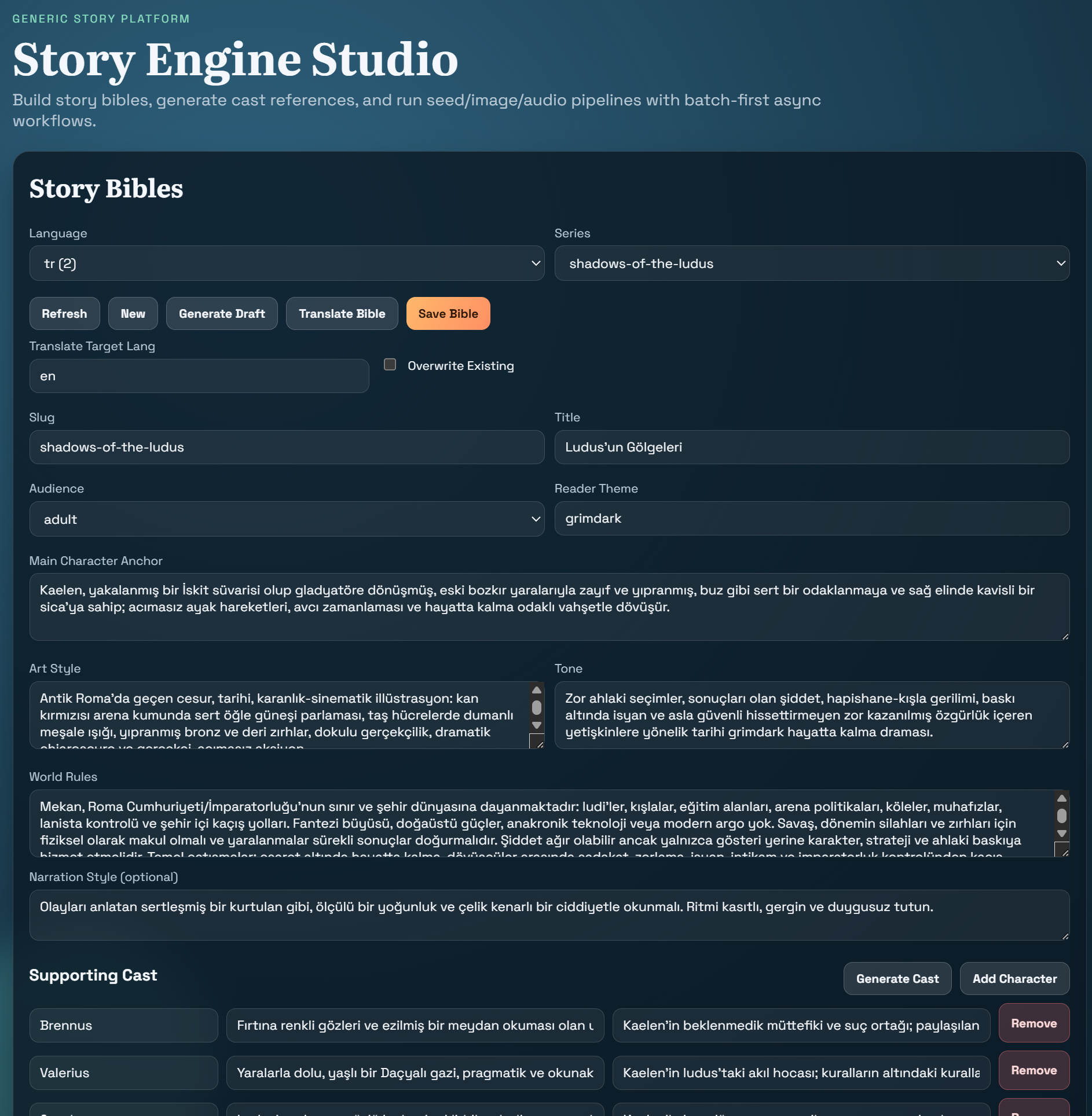
- Story Bibles
- Character Tools
- Seed + Asset Pipeline
- Async Jobs
- Preview + Story Quality
No separate service is required for preview; generated books load directly in an iframe or a new tab.
Story Bibles: The Source of Truth
The bible editor became the control center.
Each entry now carries:
- slug/title,
- audience,
- reader theme,
- narration style,
- character anchor,
- art style,
- tone,
- world rules,
- supporting cast.
This matters because all downstream generation reads from this data: story voice, image prompts, TTS direction, and even translation constraints.
We also added bible translation workflow directly in Studio so you can keep en, tr, ja bibles aligned by slug.
Character Tools and Reference Consistency
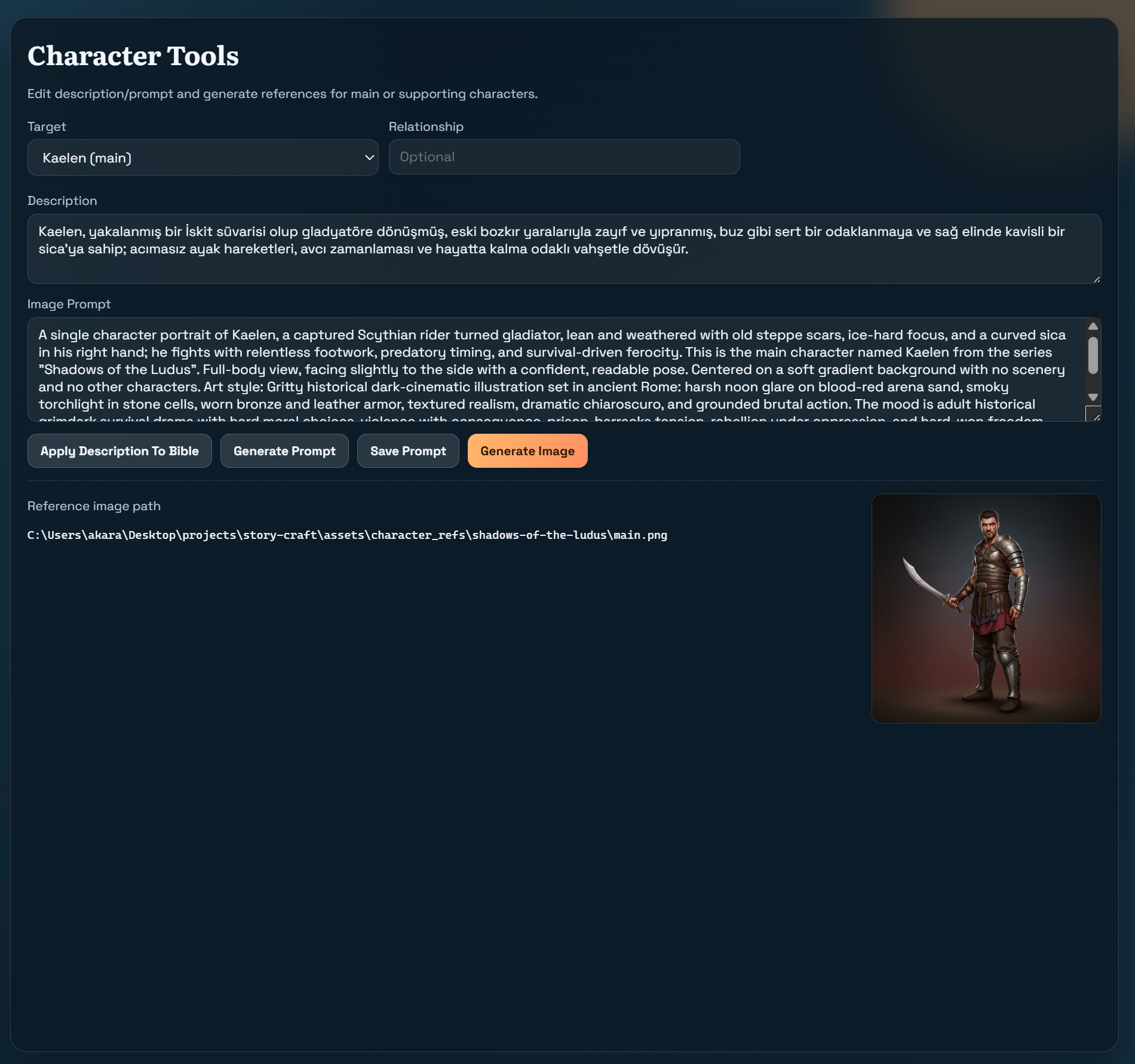
Character tooling got upgraded from “one prompt box” to a proper workflow:
- generate/edit prompt from description,
- save prompt per target (
mainorsupporting:<name>), - regenerate only that reference image,
- maintain a reusable reference library by series.
Main and supporting character refs are then injected into image generation where supported, improving continuity across pages.
Seeds: Deterministic Story Batches
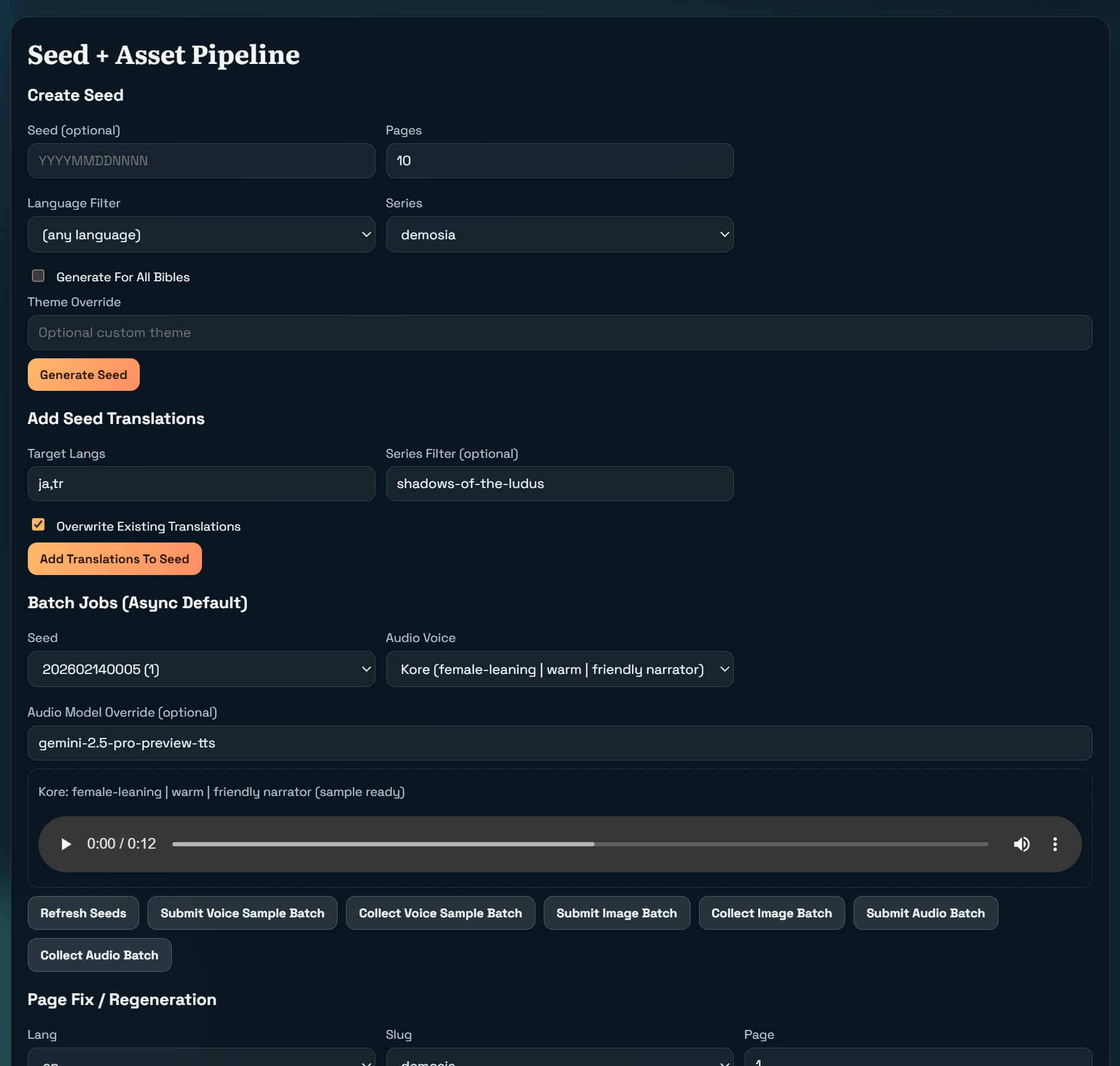
Seed generation is now intentionally selectable.
You can:
- pick a specific series from a dropdown,
- enable All Bibles when you want broad generation,
- or generate only for the newly-added bible while iterating.
This was a key productivity fix: no more accidental generation for unrelated series.
Recent examples from this workflow:
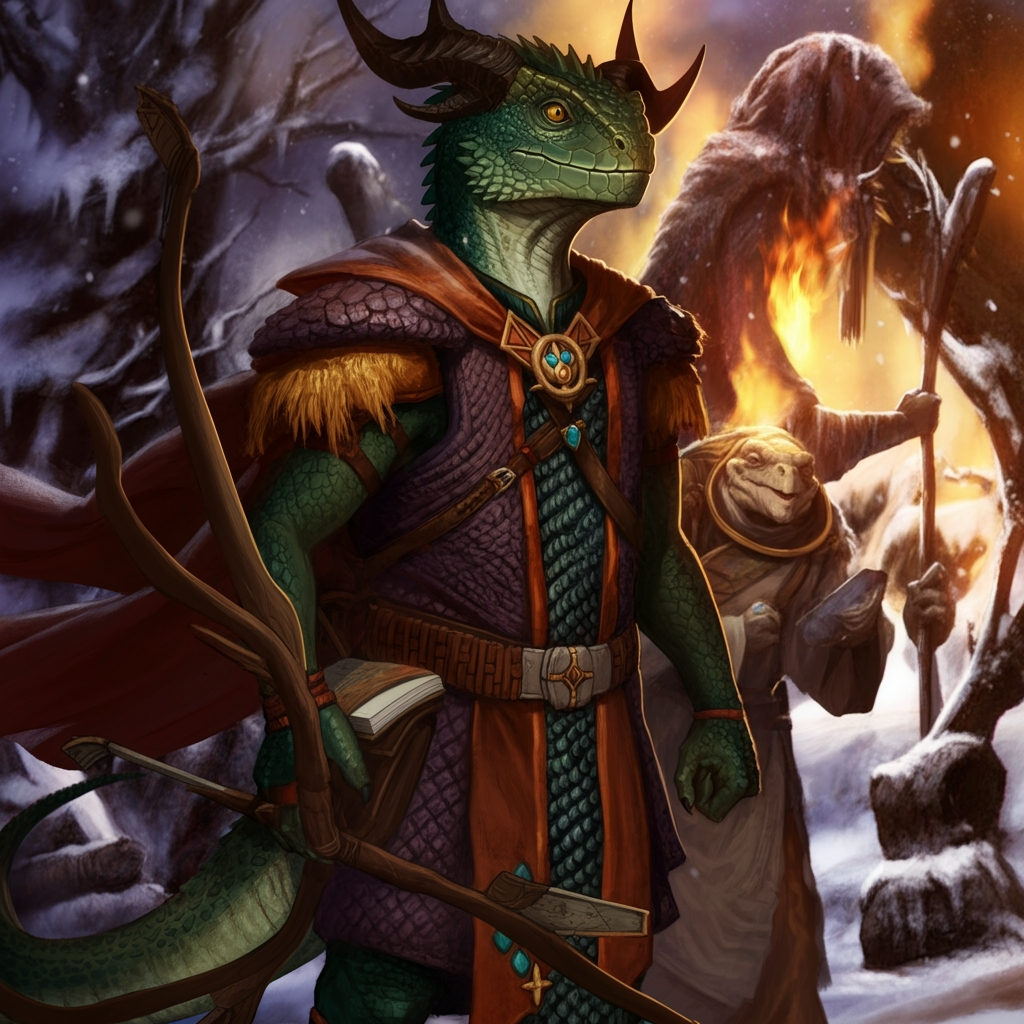
- Varak of the Northern Wastes (adult grimdark)
- Shadows of the Ludus (adult, oppressive survival drama)
- Demosia (general audience lore/mystery worldbuilding)
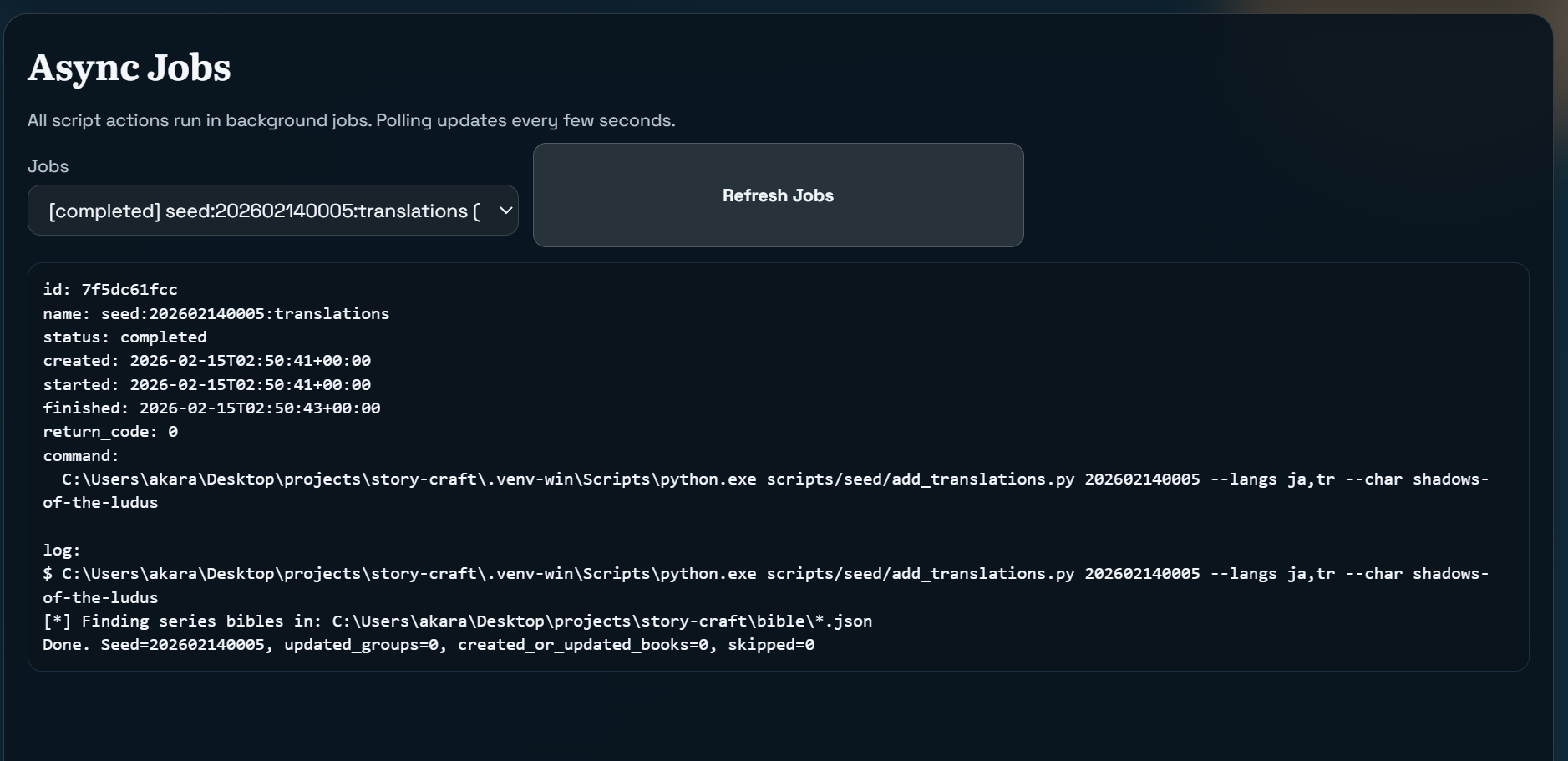
Async Asset Pipeline (Batch First)
Image and audio generation now default to async batch.
Primary flow:
- Submit batch.
- Collect batch.
- Rebuild updated books.
Fallback flow:
- regenerate a single page image prompt/image/audio if one page is off.
This hybrid model gives speed at scale plus precision when fixing mistakes.
Voice Selection: Samples Before Commitment
We added voice metadata and sample playback to avoid blind selection.
You can now see lightweight descriptors (gender-leaning / texture / style) and preview generated samples before choosing a voice for the full batch.
This reduced wasted runs dramatically.
What Went Wrong (And What We Fixed)
This project only got better because it failed in real use.
1) The Hot Cocoa Dilemma
Even after switching story model quality, some runs kept introducing cozy/kids motifs (especially seasonal wording) into adult stories.
Root cause: audience/tone leakage in defaults and seasonal hints.
Fixes:
- audience-aware seasonal context,
- stronger adult tone constraints in bible and generation prompts,
- explicit narration style controls,
- reader-theme controls beyond the old crayon/storybook bias.
Once audience became explicit and enforced, Varak finally read like the world it belonged to.
2) Flash Model Batch Mismatch for TTS
We hit a hard API failure trying to submit voice-sample batches with a Flash preview TTS model that did not support batchGenerateContent in that API path.
Fix:
- enforce Pro-compatible model fallback for batch voice-sample generation,
- guard rails in Studio command builders.
Result: batch sample generation became predictable.
3) “Updated books: 0” After Successful Image Batch
A completed image batch collected with zero updates.
Root causes combined:
- race between submit and collect,
- path normalization issues across Windows/WSL,
- metadata keys pointing to Windows absolute paths from another runtime.
Fixes:
- normalize cross-platform paths on collect,
- improve path resolution precedence,
- prevent concurrent duplicate jobs in Studio,
- register and recover already-submitted jobs without resubmission.
This also stopped accidental redundant directory creation like C:\... folders appearing in repo roots.
4) UI Regressions Under Real Use
Two practical paper-cuts surfaced quickly:
- white-on-white dropdown readability,
- no in-studio generated book preview.
Both were fixed with better select styling and integrated preview panel.
Examples from Recent Seeds
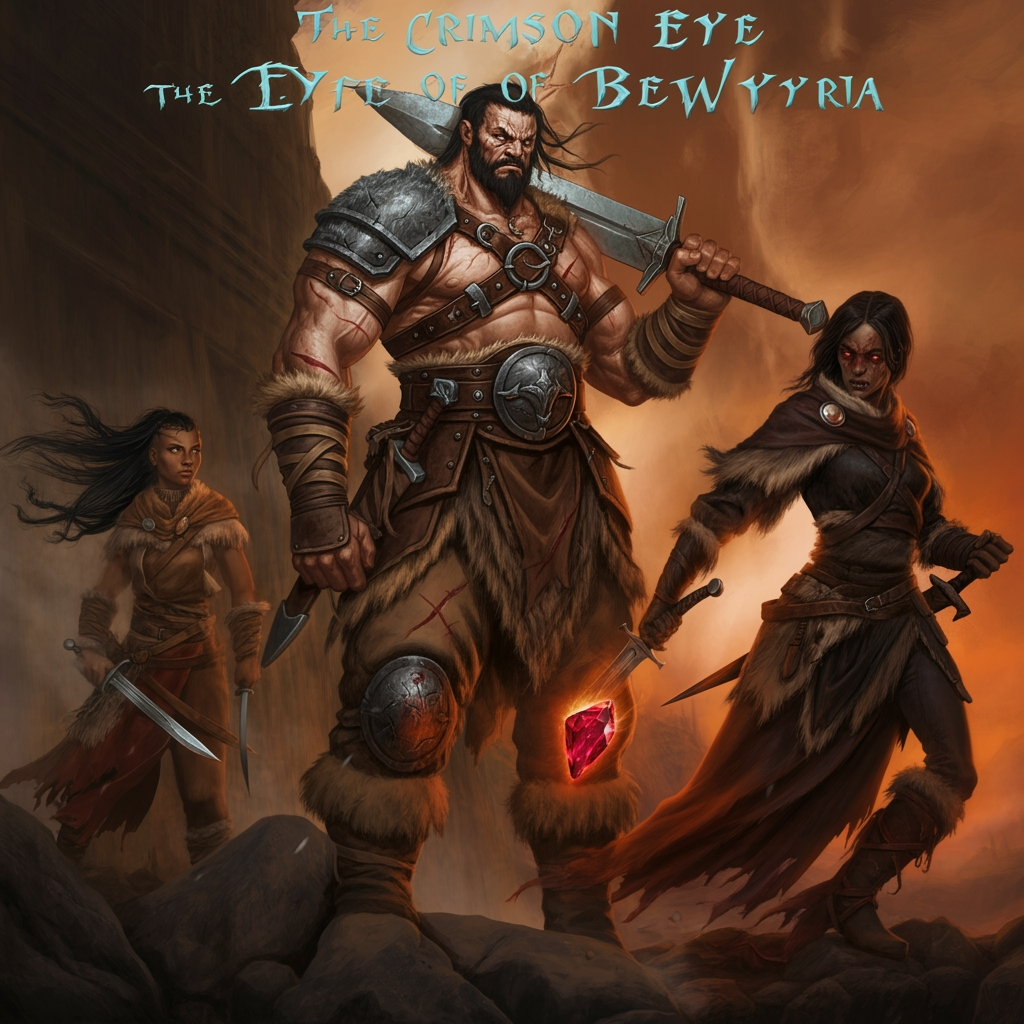
Shadows of the Ludus moved from concept docs to a usable adult bible and seed output:
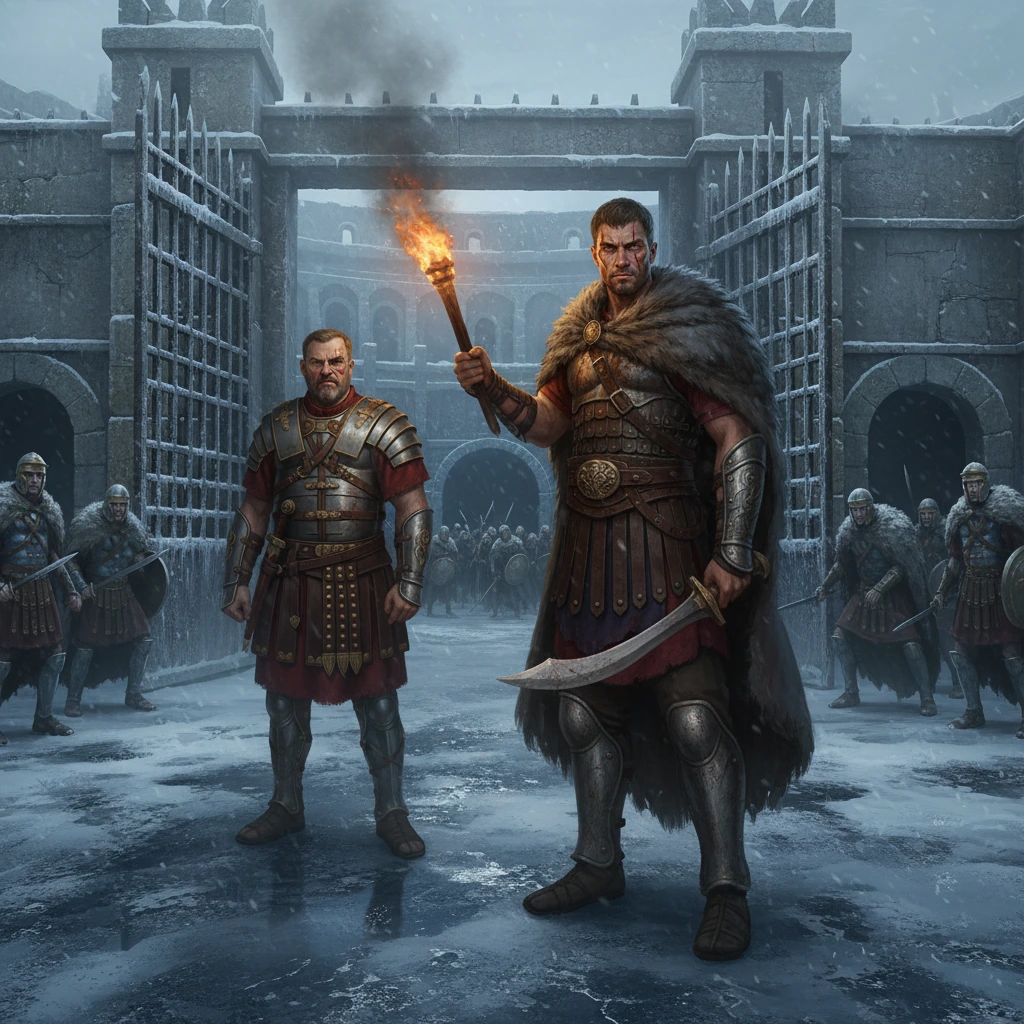
Varak evolved from mixed tone outputs to consistent grimdark presentation:
Demosia demonstrates the same engine running a general-audience lore/mystery profile:
Translations as a First-Class Stage
The flow is now explicit:
- create/translate bibles first,
- then add seed translations (
ja,tr, etc.), - then run batch audio per target language.
This avoids generating translated seeds against missing or inconsistent bibles.
Writing Quality: Moving Beyond Single-Pass Generation
We recently added a multi-pass writing path and automatic quality reporting:
- Pass 1: plan outline
- Pass 2: draft page prose
- Pass 3: critique against rubric
- Pass 4: targeted rewrites for flagged pages
Then we persist quality signals (name discipline, rhythm, show-vs-tell, structure, mechanical stability) and expose them in Studio.
That makes iteration measurable instead of “vibe-only.”
Sample Story Packages
If you want to click through real generated books, I published a few static packages under public/images/story_studio:
- Varak of the Northern Wastes (Run 1) this one still carries the kids tone. and css style as well.
- Varak of the Northern Wastes (Run 2) this one we fixed the tone, and css style. but cocoa obsession remains. i didnt realize yet it was coming from the season wordings. this gave me a real crack lol.
- Varak of the Northern Wastes (Run 3) this one we fixed the tone, css style, and cocoa obsession. I also tried a consistent story arc with a longer page count. not bad, but images in this one turned a bit … too hallucinative. it can be fixed with retries, but I dont want to waste time/tokens with this story atm.
- Shadows of the Ludus a couple of other stories i tried.
- Demosia this ones in general tone/audience as opposed to adult/grimdark
Each one is a static export with page turns, images, and audio, so you can view the end-to-end result of the pipeline directly.
Where It Stands Now
What started as a children-story pipeline is now a broader production tool:
- genre-flexible,
- audience-aware,
- translation-capable,
- batch-first with practical recovery paths,
- and transparent enough to debug under pressure.
Most importantly, it is no longer pretending one prompt can solve every narrative style.
Bibles, cast, audience, style, and pipeline control now actually mean something in the output.
That was the whole point.
related entriesshared tags