Omarchy-lite: Hyprland next to Plasma, not instead of it
I wanted Omarchy's pretty Hyprland setup on my main desktop without letting it take over the machine. Here is what the lite install actually involved, what broke, and the conky widget that came out of it.
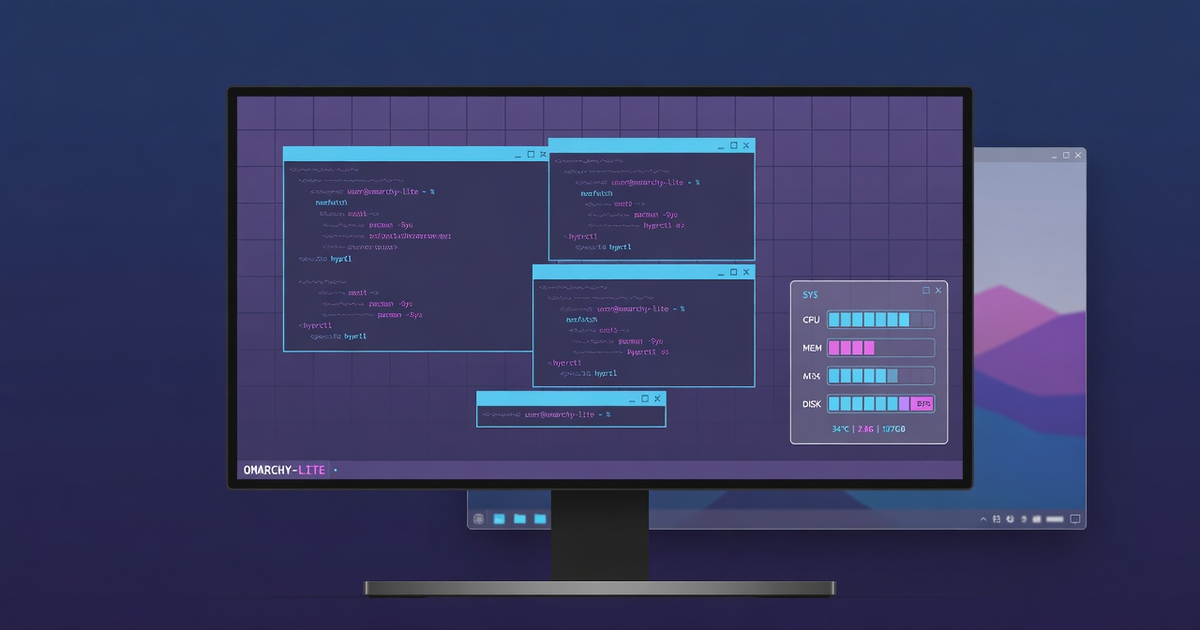
I have been circling Omarchy for a while. It is DHH’s opinionated Arch + Hyprland setup, and it is genuinely pretty: good themes, sensible bindings, a slick Quickshell bar and launcher, everything tuned out of the box. The problem is that Omarchy is not really a “setup” so much as a takeover. It wants to be your whole system.
I did not want that. My main desktop (cachyos-desktop, CachyOS + KDE Plasma) is the machine everything else depends on. I have written before about why 2026 might be the year of the Linux desktop — and this desktop is the proof of that thesis, precisely because I am careful with it.
So the goal for today was specific:
- Hyprland with Omarchy’s themes, bindings, and shell, as a session I can pick from the login screen
- KDE Plasma stays installed and stays default — the safety net, not the casualty
- no SDDM switch, no full package set, no system takeover
- my own stuff (conky, input methods, app launchers) must behave the same in both worlds
Where We Started
The starting point was a shallow clone of the Omarchy repo pinned to a commit, living in ~/.local/share/omarchy, plus Hyprland from the CachyOS repos. Instead of running Omarchy’s installer, the setup bootstraps Omarchy’s defaults from my own hyprland.lua, then layers my overrides on top. Quickshell comes from the CachyOS repos rather than Omarchy’s pinned -git version. LightDM stays. Plasma stays. The session menu just gains a new entry: “Hyprland (omarchy)”.
That sounds clean. And structurally, it was. The interesting part is never the structure, though. It is the dozen small insults that follow.
The Small Insults
The login screen was unreadable. Black text on a black background. The greeter (LightDM’s slick-greeter) was using the light Breeze GTK theme over a dark wallpaper. One line — Breeze to Breeze-Dark — and I could read my own login screen again.
Conky thought it was an app. On Plasma, my conky widget sits on the desktop like furniture. On Hyprland it opened as a normal tiled window occupying the entire right side of the screen, which is a very different energy. The fix turned out to be elegant: this conky build has native Wayland support, so a Hyprland-specific config renders it as a layer-shell background surface — behind windows, exactly like Plasma. A tiny wrapper script picks the right config based on which session I logged into.
The launcher was 80 percent games. Steam helpfully creates a .desktop file per game, so the Omarchy app menu had 145 game entries shouting over the actual applications. Every one of them got NoDisplay=true — and because Steam re-creates those files on every install and update, a tiny systemd path unit now watches the directory and re-hides new arrivals automatically. Steam, Lutris, and Heroic themselves stay visible. Games launch from game launchers, as nature intended.
LM Studio had appointed itself a permanent resident of every session’s autostart. Evicted.
Claude Code refused to save its login because there was no secret service running outside Plasma. Installing gnome-keyring fixed it — and it turned out the PAM lines for auto-unlock at login were already there waiting. That was the one pleasant surprise of the day.
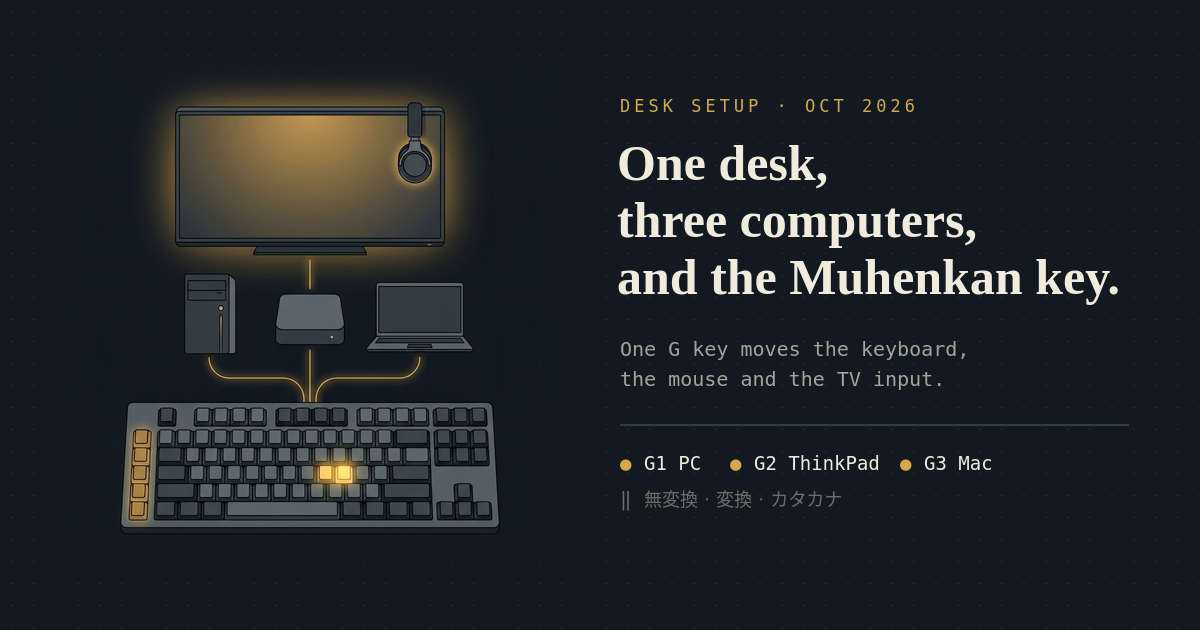
My keyboard input trinity needed rewiring. I type Japanese, English, and Turkish, and my switching is muscle memory from an old Karabiner setup: Muhenkan = English, Henkan = Japanese (mozc), Katakana key = Turkish. Under Hyprland that became three compositor-level bindings to fcitx5-remote, after switching the layout to jp so those keys exist at all. First test: ha は ığdır. Perfect.
The Omarchy menu got an AI section, pinned to the top, with all my CLI agents (Claude Code, Kimi, Codex, agy, Grok, opencode — each in its auto-approve flavor) plus the GUI apps. This required an ugly-but-works trick: the menu model has no ordering field, so the stock root entries get re-parented to a hidden menu and re-declared as links in the order I want. It also required discovering that partial overrides silently wipe undeclared fields — my first version left the entire Apps submenu empty. That one was fun to debug on two machines at once.
The Result
The end state is exactly what I wanted: LightDM offers Plasma, Hyprland (omarchy), and a console-only zsh session. Hyprland boots into the tokyo-night theme with the Quickshell bar, the AI menu on top, conky parked on the right edge as a proper background widget, and my three-language input switching intact. Plasma is untouched one session away.
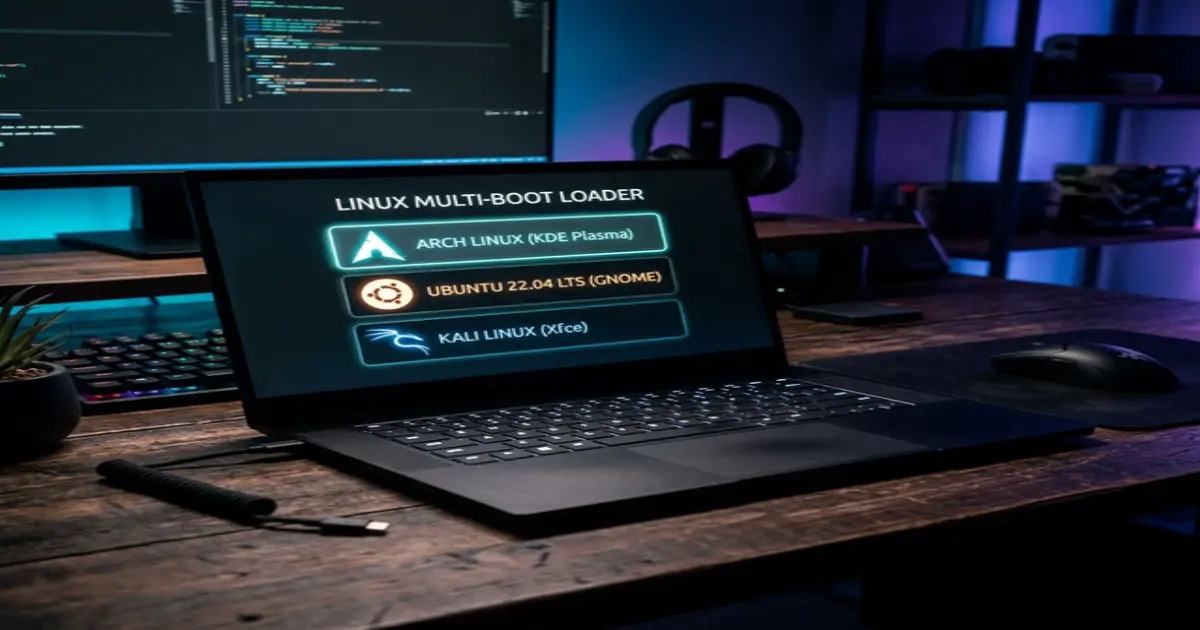
The whole thing is documented in my Obsidian vault, and there is now a runbook for porting it to the ThinkPad (cachyos-thinkpad) with the laptop-specific deltas — no games, no discrete GPU, lid-closed docked mode, webcam for calls. That machine is the same ThinkPad from the triple-boot adventure, now down to two boot entries and a lot more useful.
Bonus: the conky widget is public
The conky setup that came out of this got polished into something worth sharing. Beyond the usual clock/weather/system bars, it has an AI LIMITS section: weekly usage-quota bars for Claude Code, Codex, Grok, and Kimi, with time-to-reset next to each one.
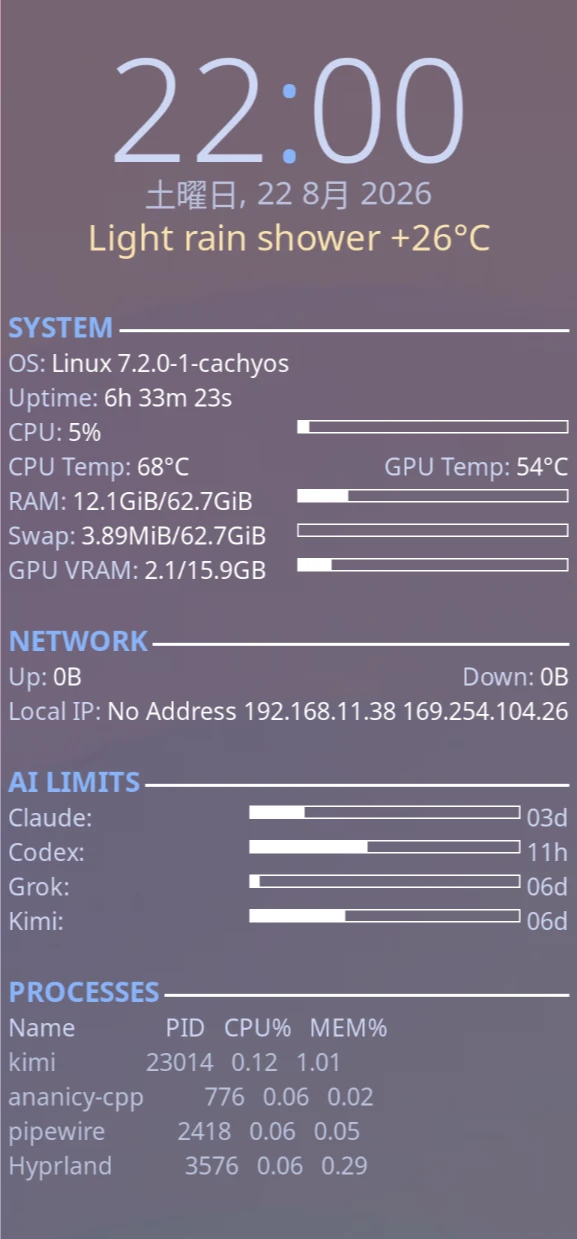
The quota pollers are small Python scripts that reuse each CLI’s own local credentials — no API keys to configure, no tokens in the repo, responses cached so conky is not hammering four APIs every second. Both conky variants are included: classic X11, and the Wayland layer-shell version for Hyprland, plus the session-detecting wrapper.
It is on GitHub: c0ze/conky-ai-quota. If you run conky and live in AI CLIs the way I do, steal it.
What I Learned
A “lite” install of an opinionated setup is mostly an exercise in discovering which opinions you actually wanted.
The bar, the themes, the bindings, the menu system: worth porting. The system takeover: not missed. And the pattern that made it all survivable was the same one from every Linux adventure on this blog — keep the escape hatch intact. Plasma was never in danger, so every experiment was free.
Now if you will excuse me, I have a tiling window manager to actually use for a while.
related entriesshared tags