Creating a lyrics video using Remotion
How I automated the creation of time-synced lyrics videos for The Seventh Shadow using Remotion, FFmpeg, and a custom syncing tool.
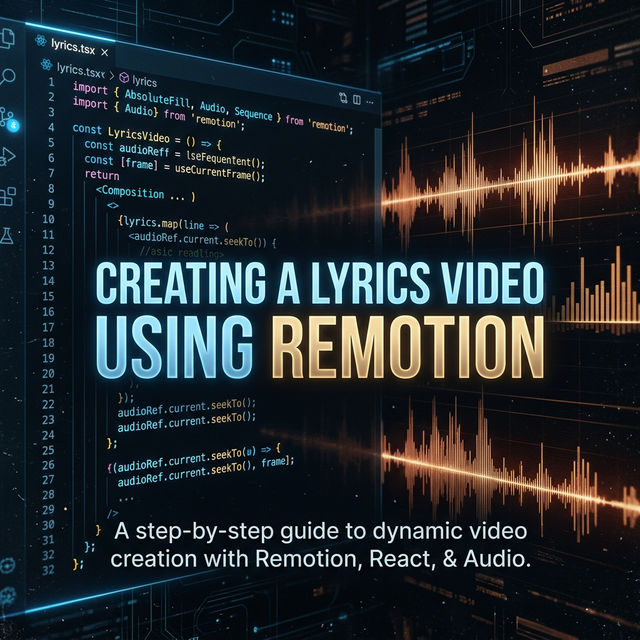
You may have heard of the new Remotion library, which allows you to create videos using React composition. I thought this would be a good fit creating some lyrics videos for The Seventh Shadow, so I began exploring. The tedious part of creating lyrics videos is lining up lyrics to match the music. If you are doing this on something like DaVinci Resolve, you may go crazy. But this can be easily automated using Remotion.
The Missing Piece: Time-Synced Lyrics
Of course, for this to work, you need time-synced lyrics. Which is another part of the puzzle. Unfortunately, you cannot easily download these from Spotify (and The Seventh Shadow didn’t have them anyway), so I set out to create my own lyric syncing tool, mimicking Musixmatch & DistroKid’s solutions. It is a simple static web page, but it gets the job done. You can check out my lyrics sync project here.
Bringing the Video to Life
After some punching, you get time-synced .lrc files. You need some backdrop and some effects to make the video visually engaging. For this project, I created a layered Remotion composition with a mood-fitting aesthetic.
Here are the key effects I used:
- Ken Burns & Hue Shift: I applied a slow scaling effect alongside a color temperature shift that transitions from a cold blue to a warm tone over the song’s duration.
- Dust Particles & Scanlines: A
DustParticlescomponent floats randomly upwards, flickering continuously, while aScanlinescomponent overlays a VHS-like aesthetic with an intensity that boosts during the chorus. - Breathing Vignette: A radial vignette pulses to the rhythm of the track, getting tighter during intense parts of the song.
The most critical part is the loop rendering the time-synced lyrics:
<div
  style={{
    height: `${LYRIC_STAGE_HEIGHT}px`,
    bottom: `${LYRIC_STAGE_BOTTOM_OFFSET}px`,
    left: 0,
    overflow: "visible",
    position: "absolute",
    right: 0,
    width: "100%",
  }}
>
  {shouldRenderPreviousLine && currentLine && previousLine && (
    <LyricText
      line={previousLine}
      mode="previous"
      progressFrame={currentLineProgressFrame}
      duration={PREVIOUS_LINE_FADE_FRAMES}
      exitEndY={previousLineExitEndY}
    />
  )}
  {currentLine && (
    <LyricText
      key={`${currentLine.startFrame}-current`}
      line={currentLine}
      mode="current"
      progressFrame={currentLineProgressFrame}
      duration={currentLineDuration}
    />
  )}
  {timedOutLine && (
    <LyricText
      key={`${timedOutLine.startFrame}-timeout`}
      line={timedOutLine}
      mode="previous"
      progressFrame={timedOutLineProgressFrame}
      duration={PREVIOUS_LINE_FADE_FRAMES}
      exitEndY={timedOutLineExitEndY}
    />
  )}
</div>
This block effectively divides the lyrics into three states: the currentLine, which actively animates into view; the previousLine, which fades and blurs out smoothly; and a timedOutLine, serving as a fallback state if there is a long gap between verses.
The Muxing Approach
This gives us a rendered video, but we are not done. Lyrics alone don’t tell how long the content is. Therefore, I decided on a whole muxing approach via a custom bash script. I carried over the FLAC audio files and instrumented a full-fledged solution that uses ffprobe on the audio to determine the exact track length, converts it to YouTube-compatible AAC format with ffmpeg, and finally muxes it together with the silent Remotion video render. They are then perfectly ready to go on YouTube.
Final Thoughts
This was a fun experiment combining React-based video generation with precise audio-syncing tools to build an automated pipeline for music videos.
- Source Code: Check out the repository here.
- Result: You can watch the final playlist on YouTube.
related entriesshared tags