Is 2026 the year of the Linux desktop?
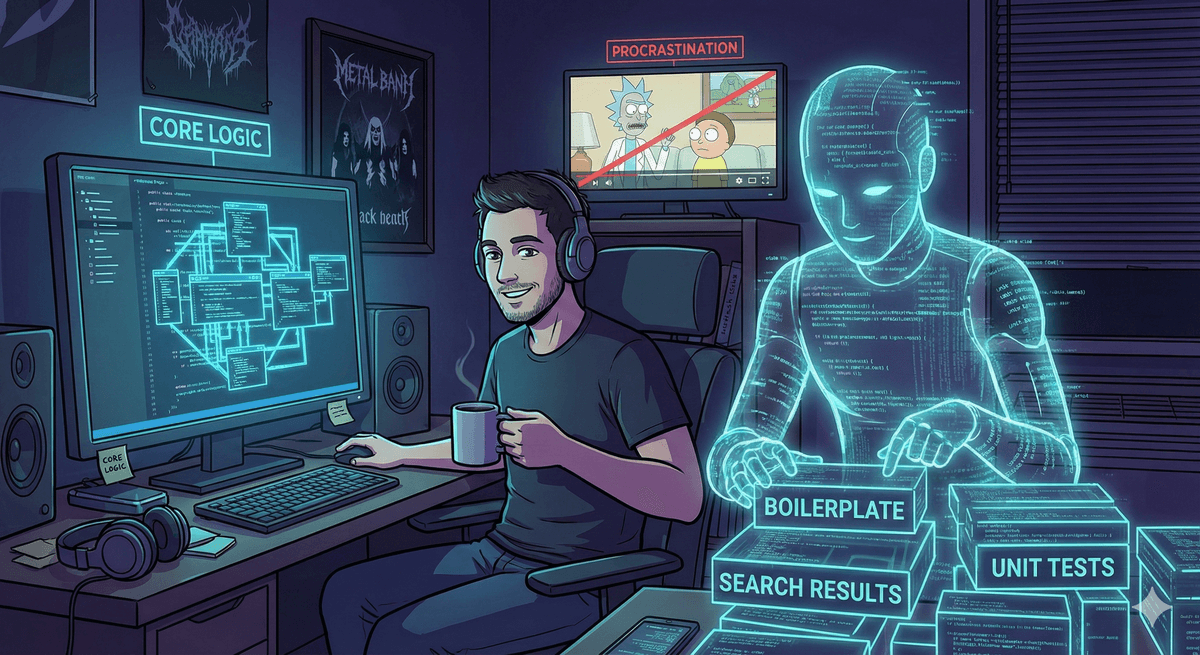
I think it is, but not because Linux suddenly became easy. The real shift is that AI agents finally make its flexibility usable.
I have seen this question come up for years: is this finally the year of the Linux desktop?
Usually, the honest answer is “no.” Not because Linux is bad. Not because it is not powerful. But because Linux has always demanded a certain kind of user: someone willing to read logs, patch configs, search three wikis, compare six contradictory forum posts, and then discover that the actual fix was one package, one service restart, and one line in a config file the whole time.
So when I say I think 2026 might actually be the year of the Linux desktop, I do not mean that some messianic distro has arrived to save the normies.
Driver support is better than it has ever been. Gaming support is much better. Valve dragged Linux gaming into the realm of seriousness. Consumer hardware support, especially around AMD, is stronger than it used to be. PipeWire made audio less ridiculous. All of that matters.
But I do not think that is the decisive change.
The decisive change is that the user sitting in front of the machine is no longer alone.
The Old Linux Tax
The real problem with Linux desktop was never just “installation.” Installing Linux has been manageable for a long time if you are even mildly stubborn.
The real problem was the tax you paid after installation.
That tax looked like this:
- a GPU swap that becomes a weekend project
- a sound device that is technically detected but still silent
- a bootloader that almost works, which is much worse than not working
- a display layout that breaks only when docked
- an emulator stack where every frontend, core, and shader system speaks a slightly different dialect
Linux was always flexible enough to solve these problems. That was never the issue.
The issue was that flexibility used to be locked behind expertise.
If you already knew the stack, Linux felt glorious. If you did not, it felt like being handed the keys to a machine that can do anything, along with the news that the manual is distributed across Arch Wiki, Reddit, three random GitHub issues, and a 2017 forum post written by someone named darkmage420.
That was the old Linux desktop bargain:
You can make it exactly what you want, if you can first survive the archaeology.
What Changed
A while ago, I wrote How to use AI, How I used AI to enhance my home network, and How I used AI to enhance my media consumption. In those posts, AI mostly played the role of advisor. It helped me choose better hardware, better network topology, better software, better tradeoffs.
That was already useful.
But what feels different now is the jump from advisory AI to operational AI.
An AI agent is not just telling you “maybe try PipeWire” or “have you considered AMD.”
It can sit in the shell, inspect the actual state of the machine, read the config files that really exist on disk, compare package state, look at logs, patch a script, regenerate a config, and then verify whether the fix actually worked.
That is a completely different category of help.
Forums give you generic possibility space. An agent working on your machine gives you localized diagnosis.
And Linux benefits from this more than any other desktop OS, because Linux is made of inspectable parts.
Why Linux Gets the Biggest Boost
Closed systems can also benefit from AI, of course. Windows and macOS users can ask for help too.
But Linux is where the combination becomes explosive.
Why?
Because on Linux, the system is legible.
The important pieces are usually:
- plain-text config files
- logs you can actually read
- services you can inspect and restart
- package names you can reason about
- drivers and userspace stacks that expose their state
- tools that compose with other tools instead of hiding behind one vendor GUI
An AI agent is very good at exactly this layer of reality.
It is good at reading lsmod, glxinfo, vulkaninfo, pactl, wpctl, systemctl, and config files. It is good at noticing “this package is still installed,” “this sink is present but muted,” “this profile is wrong,” “this script is writing the wrong shader preset,” or “this config format is close, but not the one this application actually expects.”
Linux has always exposed those levers. The difference is that now a much larger group of people can actually pull them.
The Machine In Front Of Me
This is not theoretical for me anymore. It has been the practical reality of the last few weeks.
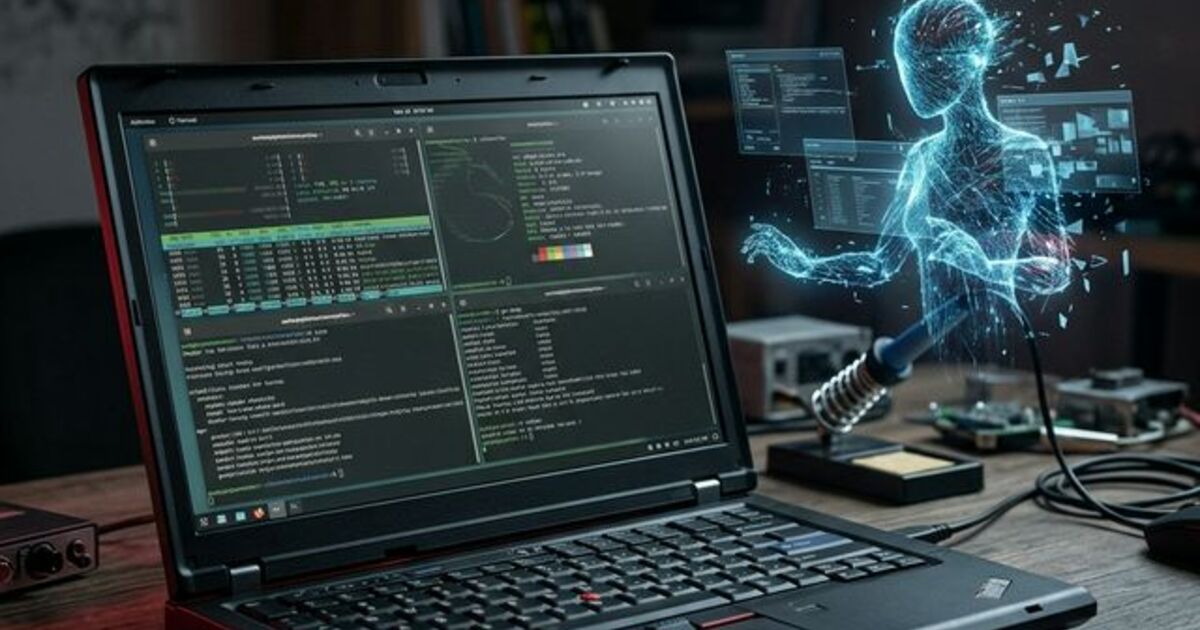
I already wrote up one large chunk of it in Setting up a triple boot Linux machine, where I cleaned up a ThinkPad running CachyOS, BunsenLabs, and Bazzite with a shared /home. That entire project was a perfect example of old-school Linux friction: boot drift, shell startup weirdness, distro-specific leakage into a shared home, power management misbehavior, audio quirks, Tailscale identity decisions, and external monitor madness.
Historically, that kind of setup demanded a lot of patience and a lot of tab hoarding.
Now compare that with what happened on the desktop side recently.
I swapped an NVIDIA card out for an AMD card and wanted both Windows and CachyOS to come out clean on the other side. That used to be the kind of job where you mentally prepare for an evening of driver ghosts.
Instead, the process became very concrete:
- clean out the old NVIDIA state
- verify
amdgpuis actually loaded - check
glxinfoandvulkaninfo - remove stale packages
- confirm the renderer stack is what I think it is
Then there was the headset situation. My Audeze Maxwell dongle was detected, but I had no sound. Again, classic Linux desktop material. The sort of issue where the device is “there” but not really there.
An agent walked through the actual PipeWire state, checked the sink, checked the card profile, reset the route, and helped separate “Linux audio stack problem” from “device/profile state problem.” The result was not mystical. It was just faster, more localized, and less stupid than doing the same dance through scattered search results.
And because I apparently do not know when to stop, that same session kept going after the machine was already working.
It moved into tuning:
- comparing
ArtCNN,FSRCNNX,FSR,NVScaler, andAnime4Kinmpv - binding them to hotkeys for A/B testing
- propagating similar ideas into
FS-UAE, RetroArch, and MAME - then translating the setup again for Haruna, which uses
libmpvbut not the exact same config model
This is where the Linux advantage becomes obvious.
Try doing that end-to-end customization on a closed system. You can get pieces of it. You can get polished defaults. You can get vendor-approved toggles. But you cannot so easily say:
“Take this exact media pipeline idea, adapt it across three video players, two emulator stacks, and a headset/audio chain, then preserve the parts I like and expose the parts I want to compare.”
Linux lets you do that because the stack is made of interoperable parts.
AI makes it practical because you no longer need to personally remember every one of those parts at expert level.
This Is Not About Replacing Skill
I do not think AI removes the need to understand your system.
You still need judgment.
You still need to know when something smells wrong.
You still need backups.
You still need the discipline to ask for diffs, verify changes, and not hand over root access to a sycophantic idiot and hope for the best.
In fact, AI can absolutely help you destroy a machine faster if you use it carelessly.
But that is not the interesting part.
The interesting part is that Linux desktop used to have a massive gap between “this is technically possible” and “I can realistically do this on a Tuesday night without losing my will to live.”
AI agents shrink that gap.
That does not make Linux less flexible.
It makes Linux’s flexibility accessible.
So, Is This The Year?
If by “year of the Linux desktop” we mean market share dominance, probably not. I am not predicting that your least technical relative is about to install CachyOS next week and start talking about Mesa.
But if we mean something more important, the answer might actually be yes.
2026 feels like the year the Linux desktop stopped requiring quite so much solitary suffering.
The killer feature is not one distro. It is not one desktop environment. It is not even one driver stack.
The killer feature is this:
Linux is open enough for AI agents to work on it properly.
That combination matters more than people realize.
For years, Linux desktop had the better philosophy but the worse last mile. Now the last mile is getting shorter. Not because the system became simple, but because the expertise barrier is collapsing.
And once that happens, Linux starts to look much less like a hobby for the initiated and much more like what it always wanted to be:
a computer that actually belongs to the person using it.
Maybe that is the real answer.
2026 is not the year Linux finally became perfect.
It is the year Linux finally got an accomplice.