Introducing Reliquary: one memory for every AI
I exported my Gemini, Claude and ChatGPT chat history, dropped it into Qdrant, and put an MCP server in front so any assistant can search the same memory. The plumbing was easy; curating the noise was not. Here's Reliquary, the public version.
A while back I wrote about wiring my scattered chat history into mem0. The short version: my conversations live across Gemini, Claude, and ChatGPT, none of them can see the others, and I had turned into a human cache-coherence protocol — asking the same question of four assistants because none of them remembered what the last one said.
So I exported all of it. Gemini via Takeout, Claude, ChatGPT. I dropped every prompt-response pair into a Qdrant vector store, and slapped an MCP server in front. Now whichever assistant I’m talking to can search the same pile of memories — and it works better than I imagined. I’ll ask Claude something and it quietly pulls in a thing I worked out with Gemini six months ago.
That earlier post was the messy private prototype: a single mem0_chat_proxy.py script, one hardcoded user id (my_lord, don’t ask), and a lot of personal data baked straight into the code. I’ve since pulled the serving engine out, scrubbed it clean, and made it public. It’s called Reliquary.
- Repo: github.com/c0ze/reliquary
- Full guide: the wiki
What it is
Reliquary is a memory server for AIs. Mem0 for the memory layer, Qdrant for the vectors, and the Model Context Protocol so any Claude or ChatGPT session can search — and write to — the same store. No GPU and no chat LLM are required for retrieval; just an embedding model and a vector database. It happily runs on a small CPU box.
There are two MCP endpoints, because the two connectors want different shapes:
| Endpoint | For | Tools |
|---|---|---|
/claude/mcp | Claude.ai Custom Connector | mem0_status, mem0_search, mem0_fetch, mem0_add_memory, mem0_delete |
/openai/mcp | ChatGPT / deep research | search, fetch (lean snippets); add_memory + delete when writes are enabled |
Claude.ai speaks OAuth, so there’s a small OAuth 2.1 shim — PKCE, dynamic client registration, revocable resource-scoped tokens — so the custom connector can authenticate without me pasting a master token into a cloud product. ChatGPT just wants a bearer key. Writes are off by default and the server flatly refuses to start if you try to combine “no auth” with “allow writes”, because an unauthenticated public write endpoint is a bad day waiting to happen.
How it works
A search request does roughly this: embed the query, check whether it mentions a known area of your corpus, narrow the search if so, run the vector search, and shape the result for whichever endpoint asked. fetch by id returns the full document behind a snippet.
That “known area” bit is the one idea I’d keep if I threw the rest away. Every record carries an optional domain / hall / room / topic taxonomy in its metadata. If a query mentions a domain I actually have — infra, say, or pagan — the search routes to that narrower pool first before falling back to global. It’s a cheap trick and it sharpens retrieval more than any amount of embedding-model shopping did.
Ingestion is deliberately boring: JSONL, one {"id", "text", "metadata"} per line. metadata.title becomes the result title, source_url/source_ref becomes the document link, and the taxonomy fields drive routing. Building that JSONL from your own notes is left to you — but there’s a runnable Obsidian importer in examples/ that walks a vault and derives the taxonomy straight from your folder layout, which is exactly how my own corpus gets built.
The whole thing is a Docker Compose stack — Qdrant, an embedder (Ollama serving the multilingual nomic-embed-text on CPU), and the app:
git clone https://github.com/c0ze/reliquary.git
cd reliquary
cp .env.example .env                 # set your bearer tokens
cp config.example.yaml config.yaml
docker compose up -d
curl -s http://127.0.0.1:8787/healthz
The hard part isn’t the API
Here’s the thing nobody warns you about. The MCP server is the easy part. It’s an afternoon of plumbing — a vector store, an embedder, a protocol everyone already implements. I had it answering queries on the first evening.
The hard part — the part I’m still fighting — is curation.
Raw chat logs are noisy in a way that quietly poisons retrieval. For every genuinely useful exchange there are twenty that are “ok thanks”, or “can you try again”, or a greeting, or the model’s own boilerplate apology, or three near-identical retries of the same prompt. Embed all of that and search it, and you don’t get your insight back — you get semantically-adjacent sludge that happens to share vocabulary with your question. The signal-to-noise of the corpus is the product. The plumbing is incidental.
So most of the actual work lives upstream of Reliquary, in the importers: deciding what counts as a memory worth keeping, splitting conversations into the right grain, attaching enough metadata that routing has something to grab onto, and throwing away the filler. A source field on every record so I can tell an Obsidian note from a Gemini export from a Claude-side summary. Dedup across sources is still unsolved on my end. Conversation threading from the Gemini export still gets mangled. This is the messy, unglamorous, ongoing part, and it’s where the quality actually comes from.
I made my peace with that framing in The Context Dilemma: the magic in the good AI tools isn’t the model, it’s what you feed it. Reliquary is just a way to feed whatever model I’m using from one curated well instead of four leaky buckets.
Running it for real
To get the cloud assistants talking to it, the one catch is reachability. The app binds to 127.0.0.1 on purpose, and neither Claude.ai nor ChatGPT can reach your loopback — and ChatGPT can’t reach a private Tailscale address either, which cost me a 424 Failed Dependency and an hour before the penny dropped. You need a real public HTTPS path in front: a Cloudflare Tunnel, a reverse proxy you own, or Tailscale Funnel. The wiki walks through the options, plus the embedder choices (Ollama vs LM Studio vs an external API), the auth flows, and the ingestion format in detail.
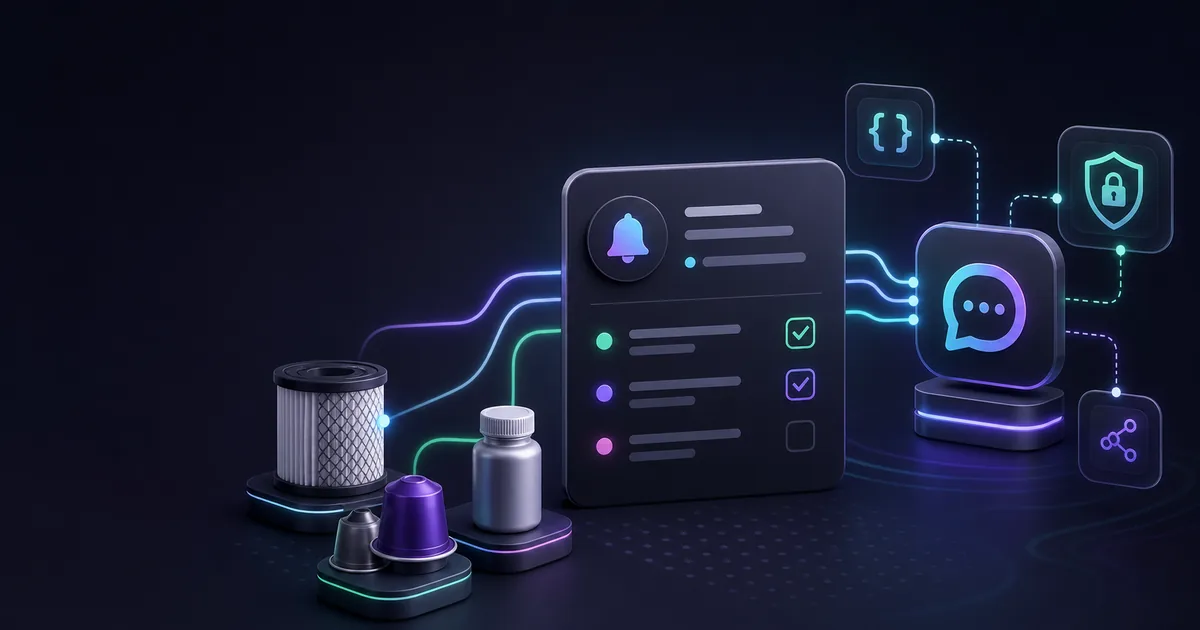
This is the same MCP-server-in-front-of-my-data pattern I’ve been leaning on lately — I did a similar thing for Vigil.Today so I could drive my chore tracker from a chatbot. Once you’ve wired one of these up, you start wanting everything you own to be queryable this way.
Why bother making it public
The private version was load-bearing in my daily workflow but unshippable — it had my life soldered into it. Carving out the engine forced me to draw a clean line between the serving part (generic, reusable, now MIT-licensed) and the corpus part (yours, personal, and frankly the part that matters). Reliquary gives you the first half. The second half — what you put in it, and how ruthlessly you filter the noise — is the half you can’t outsource.
It’s not finished. Reranking on large result sets is rough, dedup is a TODO, and the import pipeline is a pile of source-specific scripts rather than anything elegant. But it’s the thing I actually use every day, every piece of it is inspectable, and for the first time my assistants feel like one system with a shared memory instead of four strangers in separate rooms.
Here, I give you the Reliquary.
related entriesshared tags