Scraping Lyrics and Syncing Them with Whisper AI
Building a toolkit to scrape lyrics from Metal Archives, embed them into FLAC files, and generate synchronized LRC files using Faster-Whisper for Plexamp playback.
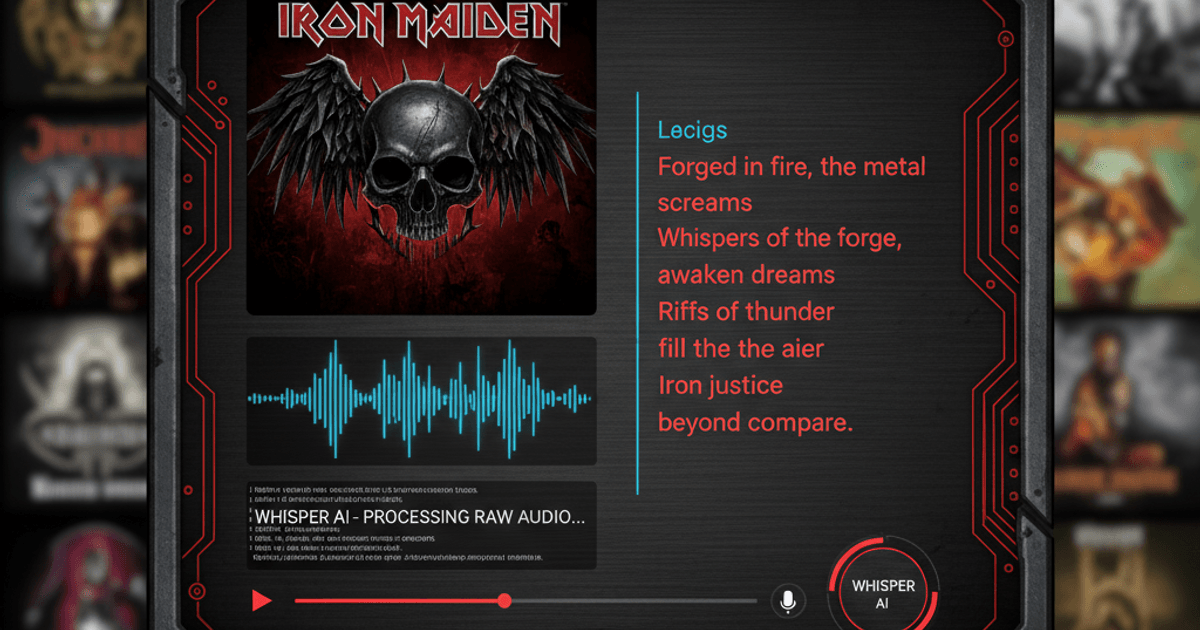
I’ve been on a quest to get synchronized lyrics working in Plexamp for my local music library. The problem? Most of my music is niche black metal that doesn’t exist in any lyrics database. The solution? Scrape, embed, and sync them myself.
The Problem
Plexamp can display lyrics, but it requires them in specific formats:
- Embedded tags (USLT/LYRICS) - Plexamp ignores these
- External .txt files - Works for static lyrics
- External .lrc files - Works for time-synced lyrics, but requires timestamps
The catch with .lrc files is they need timestamps in [mm:ss.xx] format. Without timestamps, Plexamp treats them as empty.
The Stack
I built three Python scripts to solve this:
- extract_lyrics_ma.js - Browser script to scrape lyrics from Metal Archives
- embed_lyrics.py - Embeds lyrics into FLAC/MP3 metadata and creates
.txtfiles - sync_lyrics.py - Uses Faster-Whisper to generate time-synced
.lrcfiles
Step 1: Scraping Lyrics from Metal Archives
Metal Archives has a comprehensive database of metal lyrics. I wrote a browser script that:
- Navigates through all albums on a band’s discography page
- Fetches lyrics for each track via their API
- Exports everything as a structured JSON file
The JSON structure looks like:
{
  "band": "Band Name",
  "albums": [
    {
      "name": "Album Title",
      "tracks": [
        { "name": "Song Title", "lyrics": "..." }
      ]
    }
  ]
}
Step 2: Embedding Lyrics into Audio Files
The embed_lyrics.py script reads the JSON and matches tracks to audio files using fuzzy string matching:
python embed_lyrics.py lyrics.json "Music/Artist Folder"It handles:
- FLAC files - Uses Vorbis comments (
LYRICStag) - MP3 files - Uses ID3
USLTframe - Creates
.txtfiles alongside audio for Plexamp’s static lyrics display
The fuzzy matching handles slight differences in track naming (removing track numbers, punctuation, etc.) with a configurable similarity threshold.
Step 3: Generating Synchronized LRC Files with Whisper
This is where it gets interesting. The sync_lyrics.py script uses Faster-Whisper to:
- Transcribe each audio file to detect vocal segments
- Map the original lyrics lines to detected timestamps
- Generate
.lrcfiles with proper[mm:ss.xx]formatting
python sync_lyrics.py lyrics.json "Music/Artist Folder" --model mediumThe model sizes available are tiny, base, small, medium, large-v2, and large-v3. On my RTX 4070, the medium model runs at about real-time speed with CUDA acceleration.
How the Alignment Works
Rather than relying on Whisper’s transcription accuracy (which struggles with extreme metal vocals), the script:
- Transcribes to detect timing of vocal segments
- Proportionally maps the original lyrics (which we know are correct) to those timestamps
- Falls back to
.txtif alignment fails
This hybrid approach gives us accurate lyrics with approximate timestamps.
Setup with uv
The project uses uv for dependency management:
uv venv
uv pip install -r requirements.txt

# For GPU acceleration (NVIDIA)
uv pip install torch --index-url https://download.pytorch.org/whl/cu121
Dependencies:
mutagen- For reading/writing audio metadatafaster-whisper- Whisper implementation optimized for speed
Player Compatibility
After all this work, here’s what actually works:
| Player | Embedded Tags | .txt Files | .lrc Files (with timestamps) |
|---|---|---|---|
| AIMP | ✅ | ✅ | ✅ |
| Plexamp | ❌ | ✅ | ✅ |
| foobar2000 | ✅ | ✅ | ✅ |
Plexamp stubbornly refuses to read embedded lyrics, which is why the external file approach is necessary.
Plex Gotchas
A few things I learned about Plex and music metadata:
- Enable “Prefer local metadata” in your library’s Advanced settings, otherwise Plex ignores your embedded tags
- File naming matters -
.lrcand.txtfiles must have the exact same name as the audio file - The “Plex Dance” - Sometimes you need to remove files, scan, empty trash, clean bundles, then re-add files to force a metadata refresh
- Unknown artists - If your music isn’t in MusicBrainz, Plex may show it as “Various Artists” even with correct tags
Results
After running the sync script on my Spectral Wound discography, I now have synchronized lyrics scrolling in Plexamp while the music plays. The timestamps aren’t perfect, but they’re close enough to follow along.
The whole toolkit is available on my GitHub if you want to add lyrics to your own obscure music collection.
Tools used: Python, Faster-Whisper, mutagen, Metal Archives, Plexamp